
COLORPAPA Windows Manufacturer

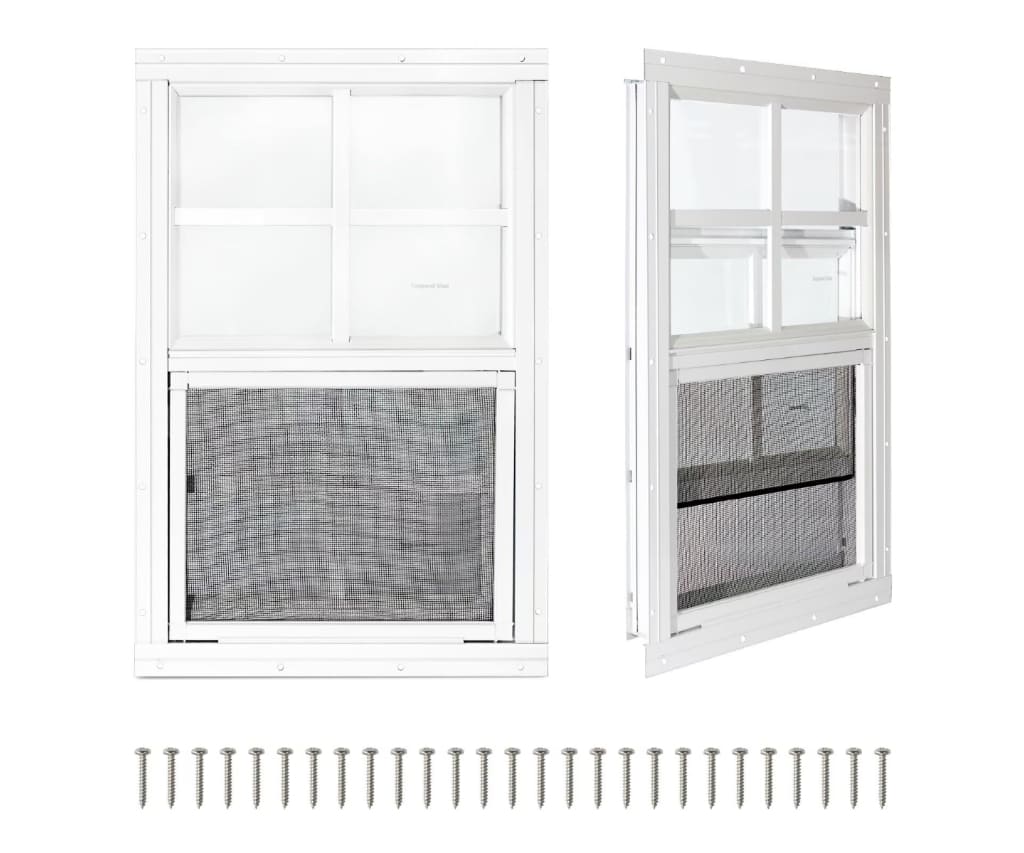
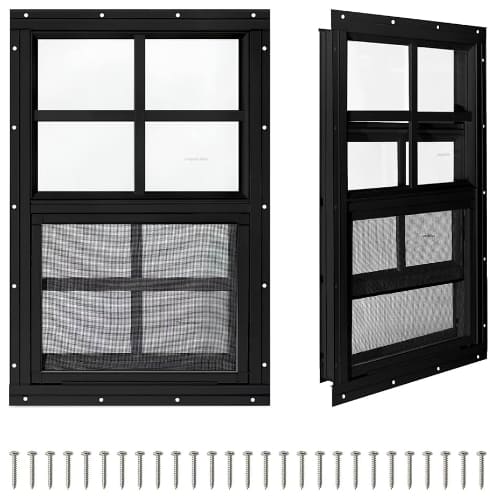
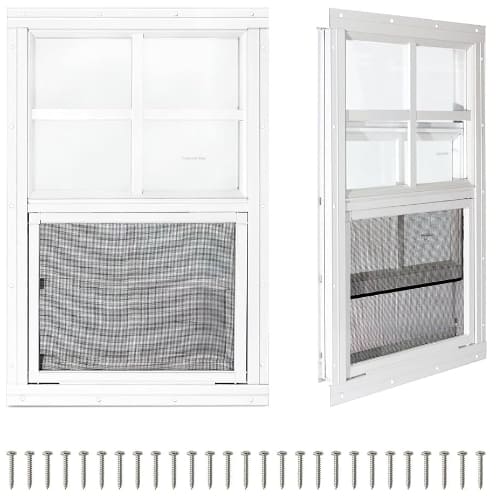
Transform your compact outdoor structures with COLORPAPA’s premium flush-mount sliding windows, the ultimate upgrade for chicken coops, sheds, and playhouses seeking the perfect balance of ventilation, natural light, and modern aesthetics. Engineered with high-strength aluminum frames and durable tempered glass, these sleek, weather-resistant windows turn any DIY project into a professional-grade build with simple, straightforward installation. Whether you are creating a healthier environment for your flock or brightening up your workspace, our versatile, low-maintenance designs ensure your outbuildings remain functional, secure, and stylish year-round.

Top COLORPAPA Windows

COLORPAPA 12" x 18" Small Sliding Shed Window

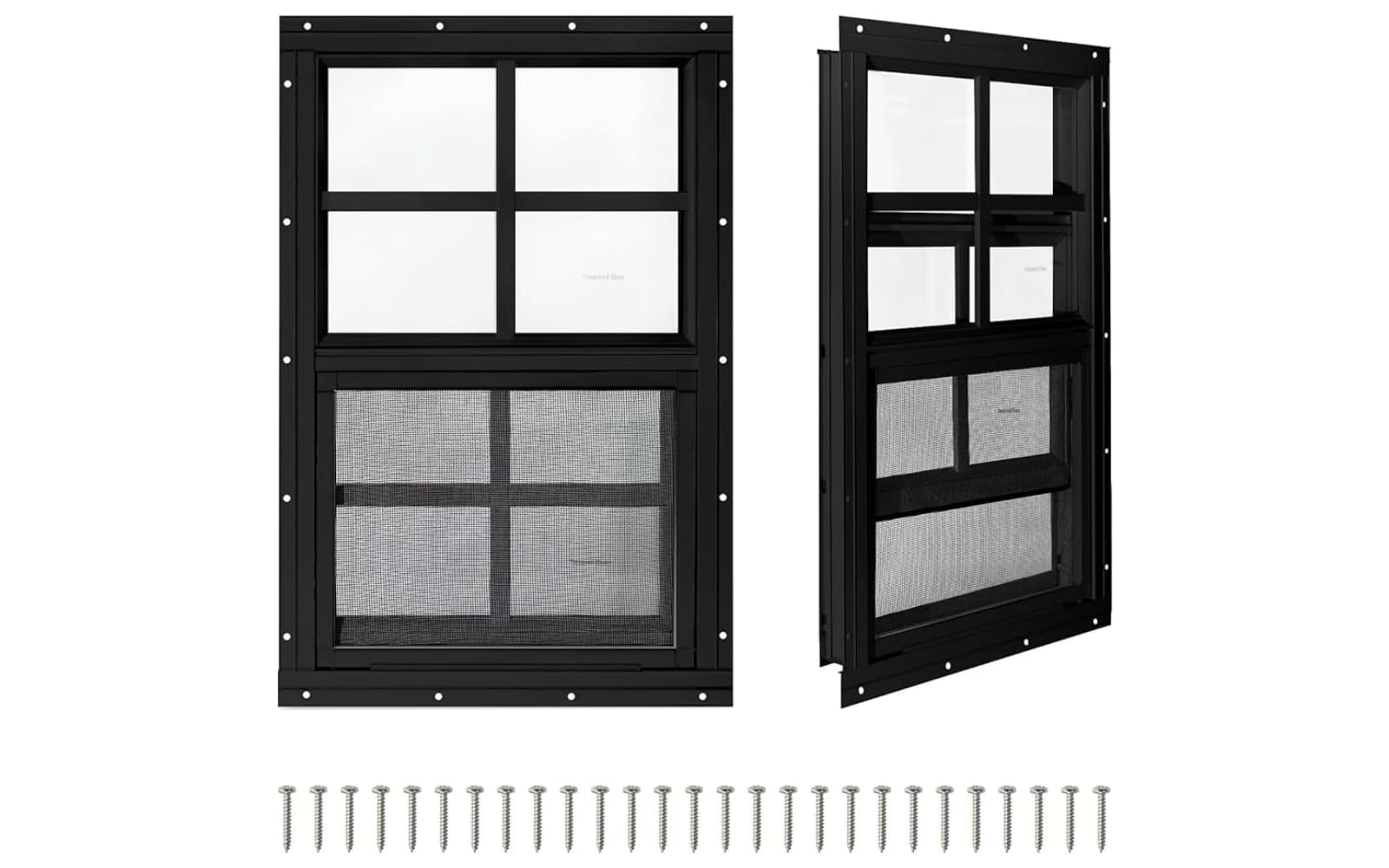
This compact, flush-mount window is the brand’s most popular choice for small-scale DIY projects, offering a perfect balance of tempered glass durability and simple ventilation for chicken coops and garden storage units.

COLORPAPA 24" x 36" Large Sliding Utility Window

Designed for larger auxiliary structures, this model provides ample natural light and increased airflow while maintaining the sleek, professional aesthetic of the brand’s signature aluminum alloy frame.

COLORPAPA 18" x 27" Vinyl Single Hung Window

This specialized residential-grade option features double-pane insulated tempered glass and a tilt-in sash design, providing superior thermal efficiency for mobile homes or climate-sensitive renovation projects.

Elevate the functionality and aesthetic appeal of your auxiliary structures with our specialized, high-performance window solutions tailored for every DIY enthusiast.
Specialized Utility and Shed Windows

Premium Flush-Mount Sliding Windows

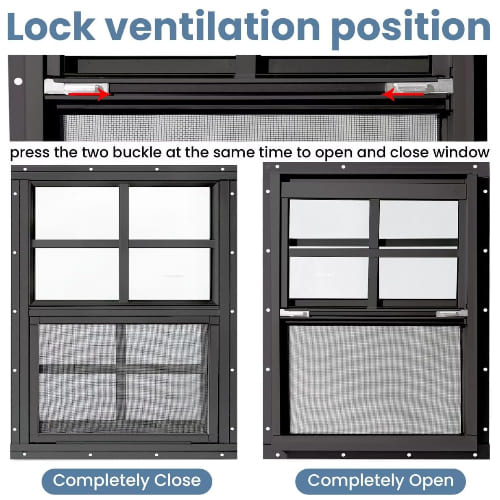
Our signature sliding windows feature a sleek, flush-mount design crafted from durable aluminum alloy and tempered glass, perfect for providing essential ventilation and natural light to your garden sheds, chicken coops, and custom outdoor projects.

Customer Experiences

Johnathan Miller I recently installed two of these windows on my backyard chicken coop, and the difference in airflow is incredible. The flush-mount design was surprisingly easy to install, even for someone like me who isn’t a professional contractor, and the aluminum frame feels very sturdy against the elements. It’s exactly the upgrade my coop needed to stay dry and well-ventilated through the changing seasons.

Sarah Jenkins Adding these to my daughter’s playhouse was the perfect finishing touch to make it feel like a real miniature home. The tempered glass gives me peace of mind regarding safety, and the built-in fiberglass screens are a huge bonus for keeping bugs out during the summer months. The modern look really elevates the entire structure, and they slide open so smoothly that even the kids can manage them.

Michael Thorne I used these for a custom shed project in my garage, and they were the most straightforward part of the entire build. Everything required for the installation was included in the box, and the finish looks professional and clean against the siding. While I wouldn’t use these for a high-security residential application, they are absolutely ideal for utility buildings where you want reliable, low-maintenance lighting and airflow.

COLORPAPA FAQ

What is ColorPapa for Windows?

ColorPapa is a professional-grade color management and productivity tool designed for Windows. It helps designers, developers, and digital artists capture, organize, and manage color palettes across their workflows, ensuring color consistency and efficiency in projects.

Is ColorPapa compatible with all Windows versions?

ColorPapa is fully optimized for Windows 10 and Windows 11. We recommend keeping your operating system updated to the latest version to ensure you have access to the most recent features and performance improvements.

Can I import color palettes from other design software?

Yes, ColorPapa supports importing standard color formats such as ASE (Adobe Swatch Exchange), CSS, and JSON files. This allows you to seamlessly transition your existing libraries into ColorPapa without needing to recreate your palettes manually.

Does ColorPapa work with multiple monitors?

Absolutely. ColorPapa is designed to be multi-monitor friendly. You can dock the application on your primary display or move it to a secondary screen, and it will maintain its functionality and interface responsiveness across all your monitors.

Can I use the colors I save for web development?

Yes, ColorPapa is built with web developers in mind. When you select a color, the app instantly provides the corresponding Hex, RGB, CMYK, and HSL values, which can be copied to your clipboard with a single click for use in your CSS, HTML, or other development environments.

Is there a cloud sync feature for my palettes?

Yes, ColorPapa includes a cloud synchronization feature. By signing in to your account, your saved palettes will be backed up and accessible across all your Windows devices, ensuring you never lose your hard work.

Does ColorPapa have a dark mode?

Yes, the application includes a native dark mode, along with light and system-default themes. You can switch between these easily in the “Appearance” settings tab to match your preferred workstation aesthetic.

How do I contact support if I have an issue?

If you encounter any bugs or have questions that aren’t addressed here, you can reach out to our dedicated support team through the “Help” menu inside the application or by sending an email to our support desk via our official website.

Let’s go WINDOW SHOPPING: What to look for (or avoid)